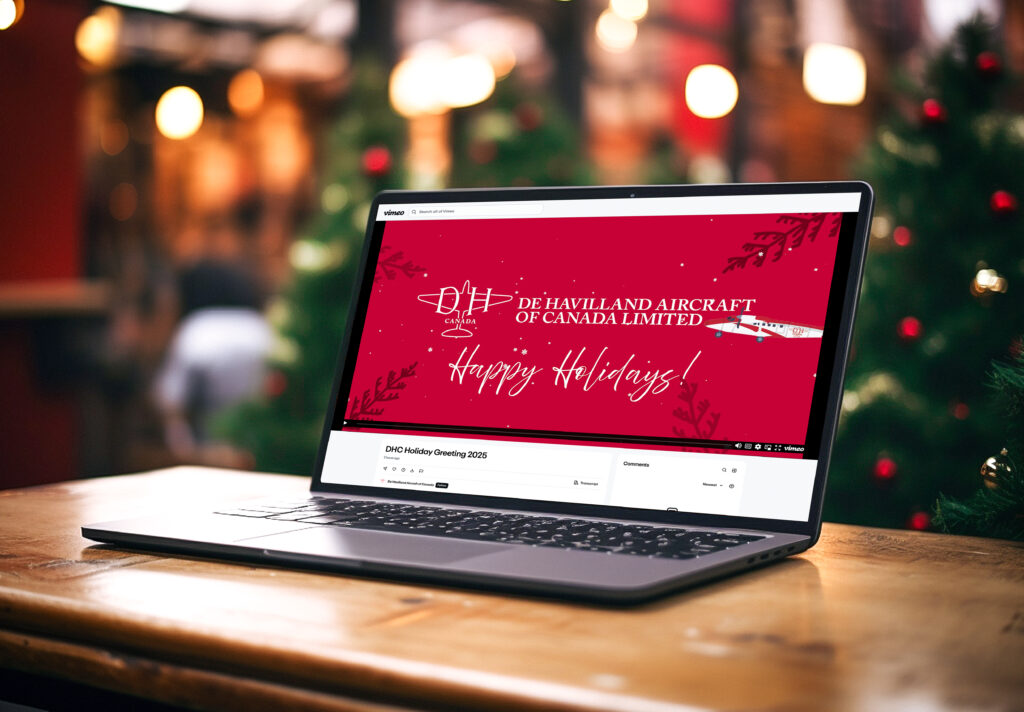
We’ve made it simple to share our festive greeting with your colleagues, clients, and partners. The holiday email template includes our end-of-year message and a link to the special holiday video. Follow the steps below to use the Outlook email template:
Note: These templates must be sent from Outlook on a computer (not a mobile device). Recipients will be able to view the email on any device, including mobile.
2. Open the Template in Outlook:
Double-click the downloaded file to open it in Outlook, or
Open Outlook, go to File > Open > Outlook Template, and select the downloaded file.
3. Customize the Message:
(Optional): Add a personal touch by updating the subject line or including a short note before the greeting message.
Be sure to include your DHC-branded email signature at the end of the email. If you haven’t already updated your signature, you can do so by clicking the link.
4. Insert Your Recipient List:
If you are sending the email to multiple recipients, we recommend using the BCC field to protect privacy and ensure a professional look. Add your email address to the To field to avoid leaving it blank.
5. Send with Festive Cheer:
Review the message and click Send to share the holiday spirit!
De Havilland Canada uses cookies to personalize content and improve user experience on our website, to provide social media features and to analyze our traffic. Cookies also help us understand how our site is being used. To find out more about our privacy policy, click link below. By continuing to use our site you consent to cookies.